
Best ways to get leads on Nextdoor in 2026

Nextdoor is the rare social platform where people actively ask to be sold to. When a homeowner's water heater dies or their gutters start sagging, one of the first things they do is post in their neighborhood feed: "Can anyone recommend a good plumber?" or "Looking for a reliable roofer, who have you used?" Those posts are not casual chatter. They are buying signals from someone who has a problem right now and a budget to fix it. For home-service contractors, that makes Nextdoor one of the highest-intent lead sources on the internet.
The catch is that intent on Nextdoor splits into two very different worlds, and most contractors only play in one of them. Paid advertising (Nextdoor Ads Manager, Local Deals, Neighborhood Sponsorships) builds awareness and keeps your name in front of verified neighbors before they need you. Organic activity (your Business Page, free posts, and especially the recommendation requests neighbors post every day) is where the immediate, ready-to-hire intent lives. The contractors who win on Nextdoor in 2026 treat these as complementary: ads warm the neighborhood, and a fast organic response converts the people who are actually raising their hands.
This guide ranks the best ways to generate leads on Nextdoor in 2026, starting with the fastest path to catching those high-intent recommendation requests and then walking through Nextdoor's own ad products and the free tactics worth your time. Pricing varies by neighborhood, so where we cite numbers we keep them to what Nextdoor and reputable sources publish, and we flag where you should check current rates yourself.
1. LeadHall: catch high-intent recommendation requests the moment they post
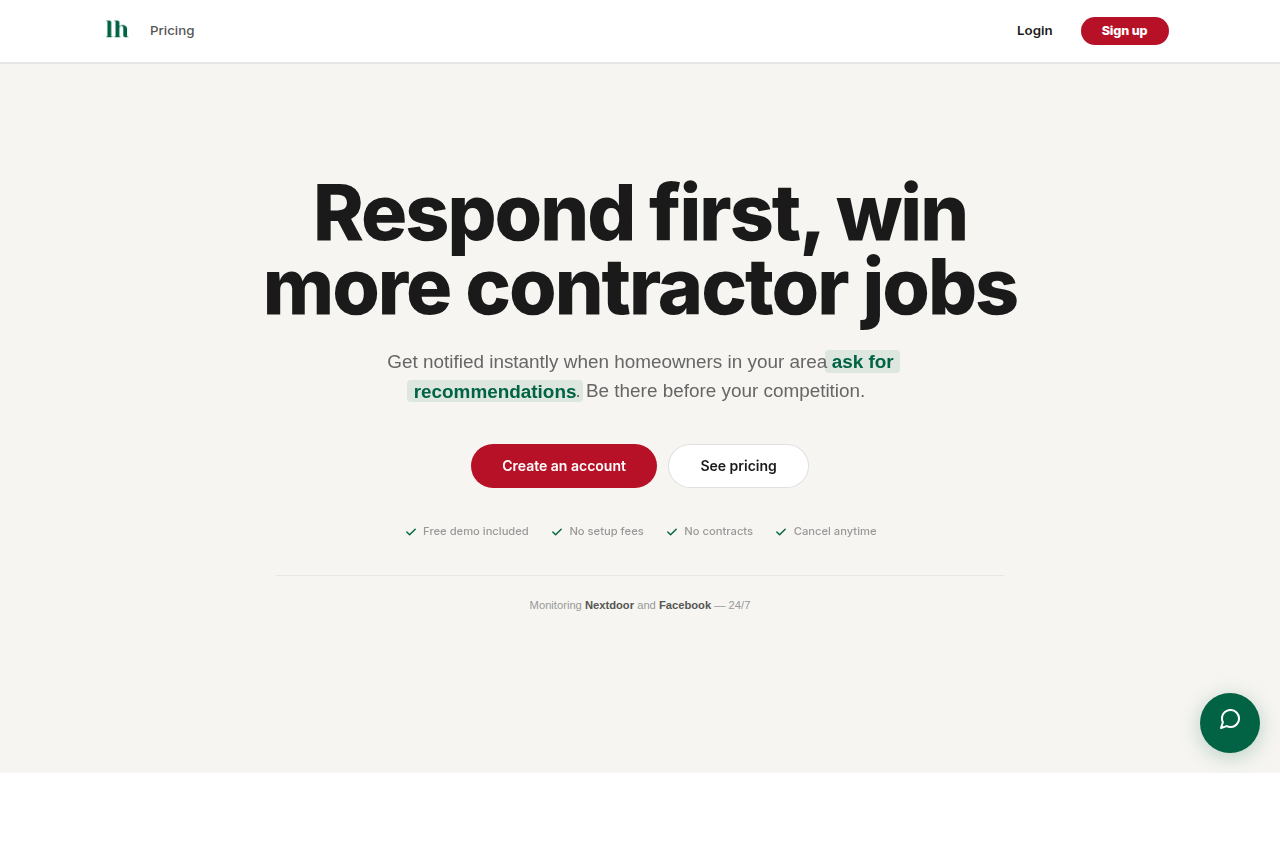
The single most valuable moment on Nextdoor is when a neighbor types "can anyone recommend a ___?" The first credible contractor to reply usually wins, because the homeowner reads the early responses, checks the recommendations, and reaches out. The problem is that these posts appear at random hours across hundreds of neighborhoods, and you cannot watch all of them yourself. LeadHall solves exactly that.
LeadHall monitors Nextdoor (plus Facebook and Reddit) 24/7 for homeowners asking for contractor recommendations and alerts you instantly, so you can reply before competitors do. It is built for speed-to-lead on organic, ready-to-hire conversations rather than for running ads.
How it works: LeadHall watches public discussions across 165,000+ neighborhoods and uses AI intent detection to separate real buying intent ("my AC stopped working, who do I call?") from noise. It runs sentiment and lead-quality analysis so you focus on the posts worth pursuing, then sends instant alerts by email, SMS, and Slack. It integrates with CRMs including HubSpot, Salesforce, and Jobber. There is no Chrome extension and no automation of your Nextdoor account, so there is no risk to your standing.
Cost: From $99/month. Pricing scales with how many neighborhoods and keywords you cover. No setup fees and no contracts.
Pros:
- Targets the highest-intent moment on the platform: an active request for a recommendation.
- You pay a flat subscription, not per click or per lead, so a busy month does not blow up your budget.
- Covers Facebook and Reddit too, so one tool catches intent across the channels homeowners actually use.
- No account risk: it reads public conversations rather than acting on your behalf.
Cons:
- It surfaces and alerts you to leads; you still have to write a strong, fast reply and earn the recommendation.
- It does not build top-of-funnel awareness the way paid ads do, so it works best alongside a Business Page and some advertising.
Best for: Home-service contractors (plumbers, HVAC, roofers, electricians, pest control, landscapers, and similar trades) who want the highest-intent Nextdoor leads without paying per click, and who can respond quickly when an alert lands.
2. Nextdoor Ads Manager: targeted paid campaigns to verified neighbors
Nextdoor Ads Manager is the platform's self-serve advertising tool, comparable in spirit to Facebook Ads Manager. It lets you run campaigns to verified residents in the areas you choose, which is useful for staying visible before a homeowner ever posts a request.
How it works: You sign up at ads.nextdoor.com and create a business account. Current campaign objectives include increasing website visits (image ads), promoting a sale or discount (Local Deal ads), and getting more messages (text-based ads). You can target by homeownership, income, age, gender, and on-platform behavior, and build custom audiences to retarget past customers or find lookalikes. Geographically you can select a single neighborhood, multiple neighborhoods, or up to a 10-mile radius, and only verified neighbors see your ads. You can measure results with the Nextdoor Pixel or Conversion API and a performance dashboard.
Cost: You pay per neighborhood you want to reach. Nextdoor has cited figures as low as $3 for a single neighborhood, with broader campaigns costing more depending on reach and duration. Check current rates in Ads Manager, as pricing varies by area.
Pros:
- Precise geographic and homeowner targeting, which fits trades with a defined service radius.
- Ads only reach verified residents, reducing wasted spend on non-locals.
- Built-in conversion tracking via the pixel.
Cons:
- You are buying awareness and clicks, not the active "who do I call?" moment, so intent is lower than an organic request.
- Requires ongoing creative, budget management, and testing to perform.
Best for: Contractors who want consistent visibility in specific neighborhoods and are comfortable managing campaigns and creative.
3. Local Deals: promote a specific offer to nearby neighbors
Local Deals are promotional offers you publish to chosen neighborhoods for a set period. They are a good fit when you have a concrete, time-bound incentive, such as a seasonal tune-up special or a first-job discount.
How it works: Through Ads Manager you create a deal (for example, "$89 furnace inspection this month"), choose the neighborhoods to show it in, and set a duration. The deal appears to verified neighbors in those areas.
Cost: You pay based on the neighborhoods and duration you select. Industry guides commonly cite an average Local Deal cost around $75, though this depends heavily on neighborhood size and how long the deal runs. Confirm current pricing in your account.
Pros:
- A clear offer gives neighbors a concrete reason to act now.
- Works well for seasonal demand spikes (heating before winter, AC before summer).
- Simple to set up relative to a full ad campaign.
Cons:
- Discount-led promotion can attract price shoppers rather than loyal customers.
- Like other paid formats, it generates awareness rather than capturing an active request.
Best for: Contractors with a compelling, time-limited offer who want to spur near-term bookings in target neighborhoods.
4. Neighborhood Sponsorships: own a category in your ZIP code
Neighborhood Sponsorships let a business become a recognized local sponsor in a specific area, with a limited number of sponsorships available per category per neighborhood. Because Nextdoor caps how many sponsors exist in a category, the slot can carry real weight in the right ZIP code.
How it works: As a Neighborhood Sponsor you typically receive sponsored posts each month in your chosen ZIP code, where you can share an industry update, promote an event, or post an announcement. These sponsored posts are more customizable than standard business posts and can include formats such as polls and events. Nextdoor limits sponsorships per category, so availability depends on whether your trade's slot in that ZIP is open.
Cost: Sponsors pay a monthly fee rather than per ad. Published rates have historically ranged widely by ZIP code, with prime areas costing more. Pricing is not standardized publicly and changes over time, so request current rates from Nextdoor for the ZIP codes you want.
Pros:
- Category exclusivity means fewer competing sponsors in the same neighborhood.
- Predictable monthly cost rather than per-click bidding.
- Positions you as an established local presence, which supports trust.
Cons:
- Availability is limited and the neighborhood you want may already be taken.
- It is a branding play, so it does not directly capture active recommendation requests.
Best for: Established contractors who want a durable, trusted presence in a defined set of neighborhoods and value category exclusivity.
5. A complete Business Page: the free foundation everything else relies on
Your Nextdoor Business Page is free to create or claim, and it is the destination that every ad, post, and recommendation points back to. A thin or unclaimed page undermines all your other efforts, so this is the first thing to get right.
How it works: Create or claim your free Business Page at business.nextdoor.com/local. Fill in your services, service area, hours, photos, and contact details. The page is where neighbors verify you are legitimate after they see your name in a feed or a recommendation thread, and it is where your accumulated recommendations live.
Cost: Free.
Pros:
- No cost, and it is the trust anchor for your entire Nextdoor presence.
- Makes you discoverable when neighbors search the platform for your trade.
- Hosts your recommendations, which are powerful social proof.
Cons:
- A page alone is passive; without posts, ads, or fast replies it generates little on its own.
- Needs upkeep (current photos, accurate hours, prompt replies to messages).
Best for: Every contractor on Nextdoor. This is table stakes, not optional.
6. Recommendations and Faves: the social proof that closes the deal
Recommendations are at the heart of how Nextdoor works. Neighbors trust other neighbors, and a strong recommendation count is often the deciding factor when a homeowner picks between two contractors. Nextdoor has noted that most members have been influenced by a neighbor's suggestion.
How it works: Customers leave recommendations on your Business Page, and they can mark you as a Fave. Recommendations also surface in the "who do I call?" threads where neighbors tag businesses they trust. There is typically a minimum threshold (often cited as three recommendations) before you appear prominently in searches, so the first handful matters a lot.
Cost: Free to earn. The investment is the effort of asking satisfied customers to post one.
Pros:
- The strongest form of social proof on the platform and a direct driver of selection.
- Compounds over time: more recommendations make every future lead easier to win.
- Costs nothing but follow-through.
Cons:
- You cannot buy them; they require consistently good work and proactive asking.
- Slow to accumulate at first, especially before you cross the search-visibility threshold.
Best for: Every contractor, especially newer ones who need to build a baseline of trust before ads and replies convert well.
7. Free business posts and active community engagement
Beyond paid formats, Nextdoor lets businesses publish free posts to their neighborhood feeds. Used consistently, these keep you visible and reinforce that you are a real, active local operator rather than an out-of-town call center.
How it works: From your Business Page you can share updates, seasonal tips, completed projects, and expert advice to the local feed at no cost. Pairing useful content with genuine, non-spammy replies in relevant threads builds familiarity and trust over time.
Cost: Free.
Pros:
- Zero media cost and a way to demonstrate expertise.
- Keeps your name circulating between the moments neighbors actually need you.
- Complements recommendations by showing you are engaged and credible.
Cons:
- Organic reach for business posts is limited and inconsistent.
- It is a slow, ongoing effort that rewards consistency rather than one-off bursts.
Best for: Contractors willing to invest steady, modest effort in community presence to support their paid and recommendation strategies.
Comparison table
| Method | How you pay | Best for |
|---|---|---|
| LeadHall | Flat monthly subscription (from $99/mo) | Catching high-intent recommendation requests fast, without per-click costs |
| Nextdoor Ads Manager | Per neighborhood reached | Targeted awareness campaigns in a defined radius |
| Local Deals | Per neighborhood and duration | Time-bound offers and seasonal promotions |
| Neighborhood Sponsorships | Monthly fee per ZIP code | Category-exclusive local presence and branding |
| Business Page | Free | The trust foundation every other tactic relies on |
| Recommendations and Faves | Free (earned) | Social proof that decides who a homeowner hires |
| Free business posts | Free | Ongoing visibility and demonstrating expertise |
Frequently asked questions
Is it better to run Nextdoor ads or focus on organic recommendation requests? Both, in the right order. Organic recommendation requests are the highest-intent moments on the platform because the homeowner is asking for help right now, which is why a monitoring and fast-reply approach like LeadHall tends to convert so well. Paid ads (Ads Manager, Local Deals, Sponsorships) build the awareness and recognition that make your reply more credible when you do show up in a thread. Treat ads as warming the neighborhood and organic speed-to-lead as closing it.
How fast do I really need to respond to a "can anyone recommend a plumber?" post? As fast as you reasonably can, ideally within minutes. Homeowners often read the first few replies, glance at each business's recommendations, and reach out before the thread fills up. The first credible responder has a big advantage, which is the entire reason instant alerts matter. For more on what a strong reply looks like, see our guide to the best Nextdoor ad examples.
How much does advertising on Nextdoor cost? It depends on the format and the neighborhoods you target. Nextdoor Ads Manager charges per neighborhood reached and has cited figures as low as $3 for a single neighborhood. Local Deals are often cited around $75 on average but vary by size and duration, and Neighborhood Sponsorships are billed monthly per ZIP code at rates that differ widely by area. Because pricing changes and is location-specific, confirm current numbers in your Nextdoor account before budgeting.
What is the lowest-cost way to start getting leads on Nextdoor? Claim and complete your free Business Page, then proactively ask happy customers for recommendations until you clear the visibility threshold. That foundation costs nothing. From there, the most direct path to actual leads is responding quickly to recommendation requests, and a tool like LeadHall makes sure you never miss one. For a broader rundown of platforms and software, see our list of the best Nextdoor advertising tools.
Get the high-intent leads first
Nextdoor rewards the contractors who show up at the right moment with the right reputation. Build the free foundation (a complete Business Page and a steady stream of recommendations), layer on paid ads to stay visible, and make speed-to-lead on recommendation requests your priority, because that is where the ready-to-hire homeowners are. If you want to catch every "can anyone recommend a ___?" post the moment it goes live and reply before your competitors, start with LeadHall.