
Best Nextdoor advertising tools in 2026

Nextdoor has quietly become one of the most valuable channels for local service businesses, and that is because of who uses it. The platform reports more than 100 million verified neighbors and over 4 million claimed business pages, and the behavior on it is different from any other social network. People are not there to be entertained. They are there to ask their neighbors who to hire, where to eat, and which contractor actually showed up on time. Nextdoor says 79% of neighbors have been influenced by a recommendation on the platform to use a business or service. For a roofer, plumber, electrician, or cleaner, that is about as warm as local demand gets.
The tooling around Nextdoor splits into two camps, and it helps to keep them straight when you are deciding where to spend. On one side you have the native advertising tools that Nextdoor builds and runs itself: Nextdoor Ads Manager and the Local Deals format that now lives inside it. These put your message in front of neighbors by ZIP code radius and bill you for reach or outcomes. On the other side you have third-party tools that do not buy ad space at all. Some manage your reputation and reviews, some publish and schedule content, and some monitor the conversations where neighbors ask for recommendations so you can respond before a competitor does. There are also adjacent channels like Google Local Services Ads that compete for the same high-intent home-service dollar, which is worth comparing honestly.
We evaluated these tools on four things that actually move revenue for local businesses: intent quality (how close the person is to hiring), speed (how fast you can get in front of them), integrations (whether leads flow into the systems you already use), and price transparency. We list our own tool first because it solves a specific, underserved problem: capturing the highest-intent moments on Nextdoor before anyone else does. After that we cover native ad tools and the best third-party options, and we tell you plainly where each one fits. If you want a broader playbook, see our guide to the best ways to get leads on Nextdoor, and for creative inspiration, the best Nextdoor ad examples.
1. LeadHall: best for turning Nextdoor demand into booked jobs
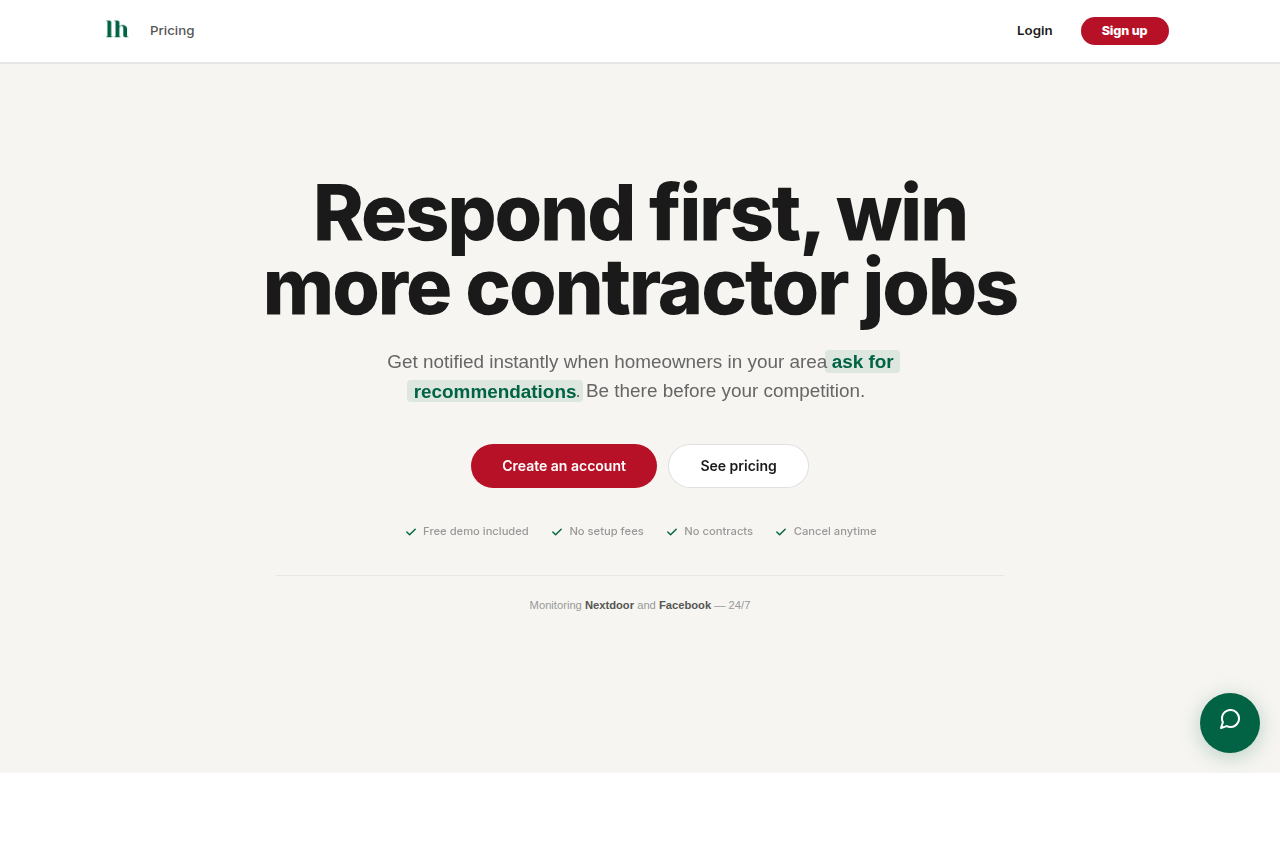
LeadHall takes a different angle than every other tool on this list. Instead of buying ad placements or collecting reviews, it monitors Nextdoor 24/7 (plus Facebook and Reddit) for the exact moments homeowners are asking for contractor recommendations, then alerts you instantly so you can be the first to reply. On Nextdoor, recommendation threads are where most hiring decisions actually start, and the first credible response usually wins. LeadHall makes sure that response is yours.
The platform uses AI intent detection to separate real buying signals from idle chatter, and sentiment and lead-quality analysis so you spend your time on the prospects most likely to convert. When a qualified ask appears, you get an instant alert by email, SMS, or Slack, fast enough to reply while the thread is still active. Coverage spans more than 165,000 neighborhoods, and because LeadHall works without a Chrome extension or logging into your personal account, there is no account risk and nothing to install.
Key features: AI intent detection across Nextdoor, Facebook, and Reddit; sentiment and lead-quality scoring; instant alerts via email, SMS, and Slack; CRM integrations with HubSpot, Salesforce, and Jobber; coverage of 165,000+ neighborhoods; no Chrome extension and no account risk.
Pricing: Plans start at $99 per month and scale with the coverage you need. There are no setup fees and no contracts.
Pros:
- Targets the highest-intent moments on Nextdoor, where hiring decisions begin
- Instant multi-channel alerts let you reply first
- Leads flow straight into HubSpot, Salesforce, or Jobber
- No extension and no account risk
Cons:
- Focused on lead capture, not ad buying or review collection
- Most valuable for businesses that can respond quickly
Best for: Home-service contractors who want booked jobs from Nextdoor's highest-intent moments.
2. Nextdoor Ads Manager: best native platform for paid reach
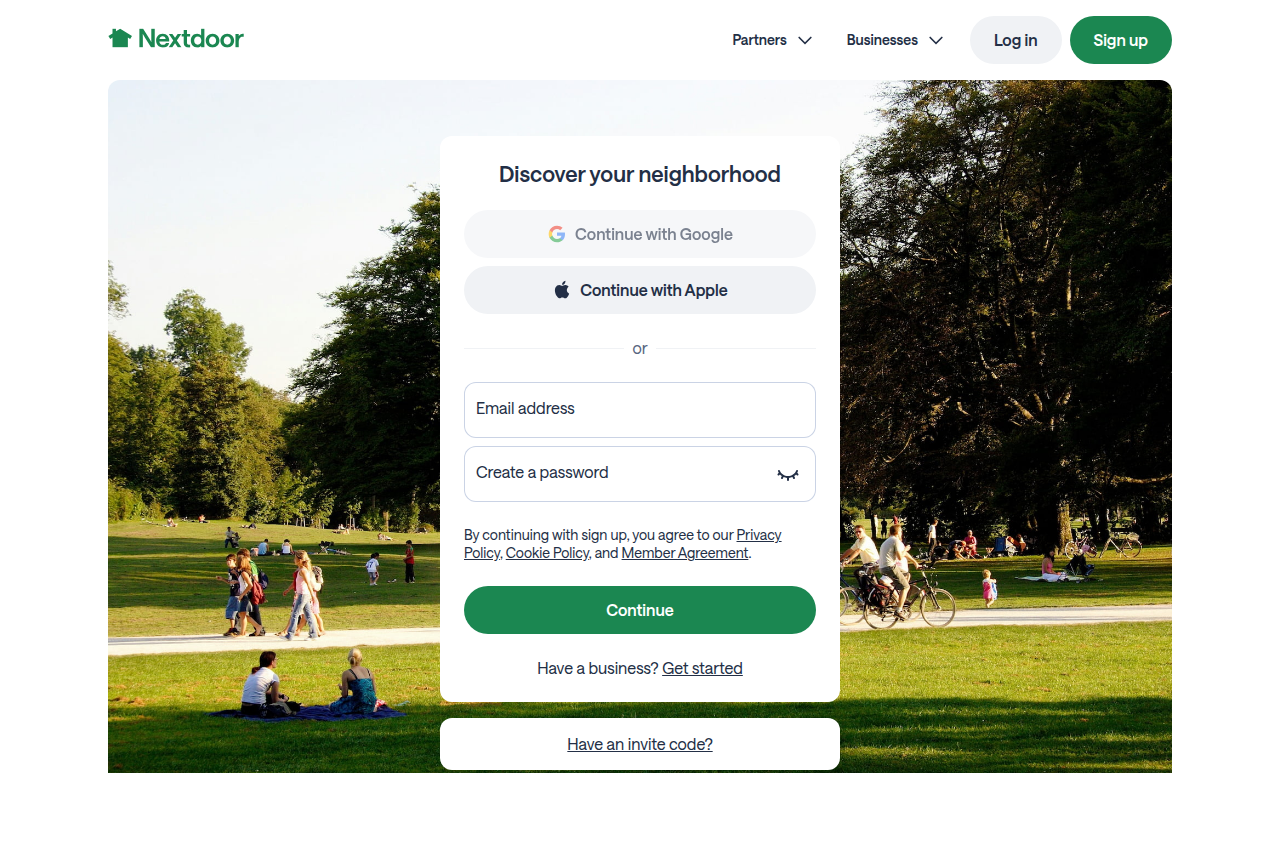
Nextdoor Ads Manager is the platform's official self-serve advertising tool, and it is the natural starting point if you want to buy reach on Nextdoor directly. It lets you target neighbors by location alongside demographics such as homeownership, income, age, and gender, and it supports custom audiences so you can retarget past customers or find new neighbors similar to your best ones. Ads appear in the newsfeed, which Nextdoor describes as the most visited part of the app.
For measurement, Ads Manager offers attribution through the Nextdoor Pixel or a Conversion API, plus a dashboard where you can view spend and performance by campaign, ad group, and individual ad, toggle campaigns on or off, and manage team access through business settings. It is a credible, purpose-built tool for reaching a local audience that trusts the platform.
Key features: location plus demographic and behavioral targeting; custom and lookalike audiences; newsfeed placements; Nextdoor Pixel and Conversion API attribution; campaign dashboard with team access controls.
Pricing: Self-serve with budgets you set; Nextdoor does not publish flat plan pricing, so costs depend on your budget and bids.
Pros:
- The only way to buy native newsfeed reach on Nextdoor
- Strong local and homeowner targeting
- Built-in attribution and a clear performance dashboard
Cons:
- Reach-based spend does not guarantee high-intent leads
- Requires creative and ongoing optimization to perform
Best for: Local businesses that want to build awareness and reach homeowners directly inside Nextdoor.
3. Nextdoor Local Deals: best native format for promotions
Local Deals is Nextdoor's promotional ad format, and it now lives inside the redesigned Nextdoor Ads platform under the "Manage ads" area rather than as a separate product. The format is built for offers: you add a short headline describing your discount, a square photo, and a call to action, and the deal can surface on your Business Page, in the newsfeed, and in search. It is a simple, low-commitment way to push a specific promotion to nearby neighbors.
Targeting works by radius and ZIP code, so you can concentrate spend on the area you actually serve. Local Deals sit alongside Nextdoor's other newer ad objectives, including website-traffic ads and message-generation ads, which gives small businesses a few different ways to structure a campaign without leaving the native tools.
Key features: promotional deal format with headline, image, and call to action; radius and ZIP code targeting; placements on the Business Page, newsfeed, and search; sits alongside website-traffic and message ad objectives.
Pricing: Set inside Nextdoor Ads with your chosen budget and duration; no published flat price.
Pros:
- Simple format that is well suited to discounts and seasonal offers
- Predictable, locally targeted spend by ZIP code radius
- Lives in the same dashboard as other Nextdoor ad types
Cons:
- Best for brick-and-mortar promotions, less so for service quoting
- A discount-led format may attract price shoppers
Best for: Local and brick-and-mortar businesses running a specific sale or seasonal offer.
4. Podium: best for reviews plus lead conversion
Podium is a customer communication and lead-conversion platform that doubles as a strong review-generation tool, and it is a popular fit for local service businesses. It consolidates customer conversations into a single inbox that combines SMS, reviews, website chat, and payments, with a clear focus on capturing more reviews and turning conversations into revenue. For Nextdoor specifically, Podium is useful on the reputation side: more recommendations and a stronger profile make your business more visible when neighbors search, and Nextdoor reports that pages with recommendations can see far higher page views than pages without.
Where Podium earns its place is the handoff from interest to booking. The unified inbox and texting tools mean that when a lead does come in, from Nextdoor or anywhere else, you can respond and close without juggling channels.
Key features: unified inbox for SMS, reviews, web chat, and payments; review generation and management; text-based lead follow-up; tools to grow recommendations and reputation.
Pricing: Podium does not publish a flat public rate for all plans; pricing is quote-based depending on plan and add-ons.
Pros:
- Strong at both review generation and converting conversations
- Single inbox keeps all customer messaging in one place
- Texting tools speed up follow-up
Cons:
- Not a Nextdoor-specific tool; reputation help is indirect
- Pricing is not transparent up front
Best for: Local service businesses that want to grow reviews and convert more inbound conversations.
5. BrightLocal: best for review monitoring and local visibility
BrightLocal is a local SEO platform that is especially useful for the reputation and visibility side of a Nextdoor strategy. Its reputation tools consolidate and monitor reviews from multiple sources in one dashboard, send alerts when new reviews come in, and let you run review-generation campaigns so you steadily build the recommendations that make your Nextdoor and Google profiles stronger. It also handles local rank tracking, citation building, and Google Business Profile audits, which matters because the same neighbors who ask on Nextdoor often verify you on Google before they call.
BrightLocal is one of the few tools here with fully transparent pricing, which makes it easy to budget for. It is built more for ongoing local presence management than for instant lead capture, so it pairs well with a tool focused on intent.
Key features: review monitoring and alerts across sources; review-generation campaigns; local rank tracking; citation builder and tracker; Google Business Profile audits and insights.
Pricing: Single-location plans start at $39 per month (Track), $49 per month (Manage), and $59 per month (Grow, which adds review management). A 14-day free trial is available, and a price increase takes effect July 1, 2026.
Pros:
- Transparent, affordable published pricing
- Strong review monitoring and local SEO in one place
- Free trial with no contract
Cons:
- Focused on visibility and reviews, not on real-time lead capture
- No native Nextdoor ad buying
Best for: Businesses and agencies that want to monitor reviews and improve local search visibility on a clear budget.
6. Birdeye: best for multi-location reputation management

Birdeye is an AI-powered reputation platform aimed at businesses managing presence across multiple locations, and it combines review management, customer surveys, and listing accuracy in one system. It has been a consistently top-rated option in its category. For a Nextdoor strategy, Birdeye is most useful to multi-location operators who need to keep recommendations, ratings, and business information consistent everywhere neighbors might look, then automate the work of requesting and responding to reviews at scale.
Birdeye is more of an enterprise-leaning reputation suite than a scrappy single-shop tool, which is reflected in both its breadth and its sales process. If you run several locations and reputation is a core part of how you win local trust, it is a serious contender.
Key features: AI-assisted review management; customer surveys; listing and business-information accuracy across directories; multi-location dashboards and automation.
Pricing: Birdeye uses quote-based pricing rather than a single published rate; cost depends on locations and modules.
Pros:
- Built for managing reputation across many locations
- Strong automation and AI features
- Consolidates reviews, surveys, and listings
Cons:
- Heavier and pricier than single-location businesses may need
- Pricing requires a quote
Best for: Multi-location service businesses that need reputation and listing management at scale.
7. Google Local Services Ads: best paid alternative to compare against Nextdoor
Google Local Services Ads (LSAs) are not a Nextdoor tool, but they compete for the same homeowner who is ready to hire, so they belong in this comparison. LSAs are pay-per-lead ads that appear at the very top of Google search results when someone searches something like "plumber near me," showing a Google Guaranteed badge, phone number, and reviews. You are billed when a potential customer calls, messages, or books through the ad, and you can dispute invalid leads such as wrong numbers or out-of-area requests for a possible refund.
To run LSAs, contractors must pass license, insurance, and background checks, and Google supports over 70 service categories. The intent here is excellent because these are active searchers, which makes LSAs a strong complement to Nextdoor: Nextdoor captures the neighbor-recommendation moment, while LSAs capture the search moment.
Key features: pay-per-lead billing; top-of-search placement with the Google Guaranteed badge; lead disputes and refunds for invalid leads; verification and background checks; 70+ service categories.
Pricing: Pay per lead, with cost per lead set by market demand. Reported ranges run from roughly $15 to over $300 per lead depending on trade and location; Google does not set a flat rate.
Pros:
- Extremely high-intent leads from active searchers
- Pay only for leads, with disputes for bad ones
- The Google Guaranteed badge builds trust
Cons:
- Not a Nextdoor channel; a separate ecosystem to manage
- Lead costs can be high in competitive trades and cities
- Verification process takes time to set up
Best for: Home-service contractors who want high-intent paid leads from Google search to run alongside Nextdoor.
Comparison table
| Tool | What it does | Starting price |
|---|---|---|
| LeadHall | Monitors Nextdoor, Facebook, and Reddit for high-intent recommendation requests and alerts you instantly | From $99/month |
| Nextdoor Ads Manager | Native self-serve ad platform for newsfeed reach and targeting | Budget-based, no published flat rate |
| Nextdoor Local Deals | Native promotional ad format for offers and discounts | Budget-based, no published flat rate |
| Podium | Review generation plus unified inbox for converting conversations | Quote-based |
| BrightLocal | Review monitoring, review campaigns, and local SEO | From $39/month |
| Birdeye | Multi-location reputation, reviews, and listing management | Quote-based |
| Google Local Services Ads | Pay-per-lead ads at the top of Google search | Pay per lead, market-based |
Frequently asked questions
Does Nextdoor have its own advertising tools? Yes. Nextdoor Ads Manager is the native self-serve platform, and the Local Deals promotional format now lives inside that same Nextdoor Ads system. Both let you target neighbors by location and run campaigns directly on the platform. Third-party tools, by contrast, handle things Nextdoor does not, such as monitoring recommendation threads in real time or managing reviews across multiple sites.
What is the difference between advertising on Nextdoor and capturing leads from it? Advertising means paying Nextdoor to place your message in front of neighbors, which is good for awareness and promotions. Capturing leads means responding to neighbors who are already asking for a recommendation, which is where most hiring decisions begin. Ad tools like Nextdoor Ads Manager handle the first; a tool like LeadHall handles the second by alerting you the moment a high-intent request appears.
Are reputation tools like Podium, BrightLocal, or Birdeye worth it for Nextdoor? They can be, because recommendations and reviews directly affect how visible your business is on Nextdoor, and pages with recommendations get far more views than those without. These tools help you generate and monitor reviews at scale. They do not capture real-time leads or buy Nextdoor ads, so they work best alongside a native ad tool or a lead-monitoring tool, not as a replacement.
Should I use Nextdoor or Google Local Services Ads? Use both if you can. They reach the same homeowner at different moments: Google Local Services Ads catch people actively searching, while Nextdoor catches people asking their neighbors. Running them together covers both the search and the recommendation paths to a booked job.
Nextdoor is one of the few places where local demand is both high-intent and high-trust, but the businesses that win on it are the ones that show up at the right moment. Native ad tools build reach, reputation tools build credibility, and Google Local Services Ads capture search intent. The piece most contractors miss is the recommendation thread itself, where decisions actually get made. LeadHall watches those moments around the clock and alerts you instantly so you can reply first and book the job. Pair it with the tactics in our guide to the best ways to get leads on Nextdoor and you will have both the reach and the response speed that turn Nextdoor neighbors into customers.